

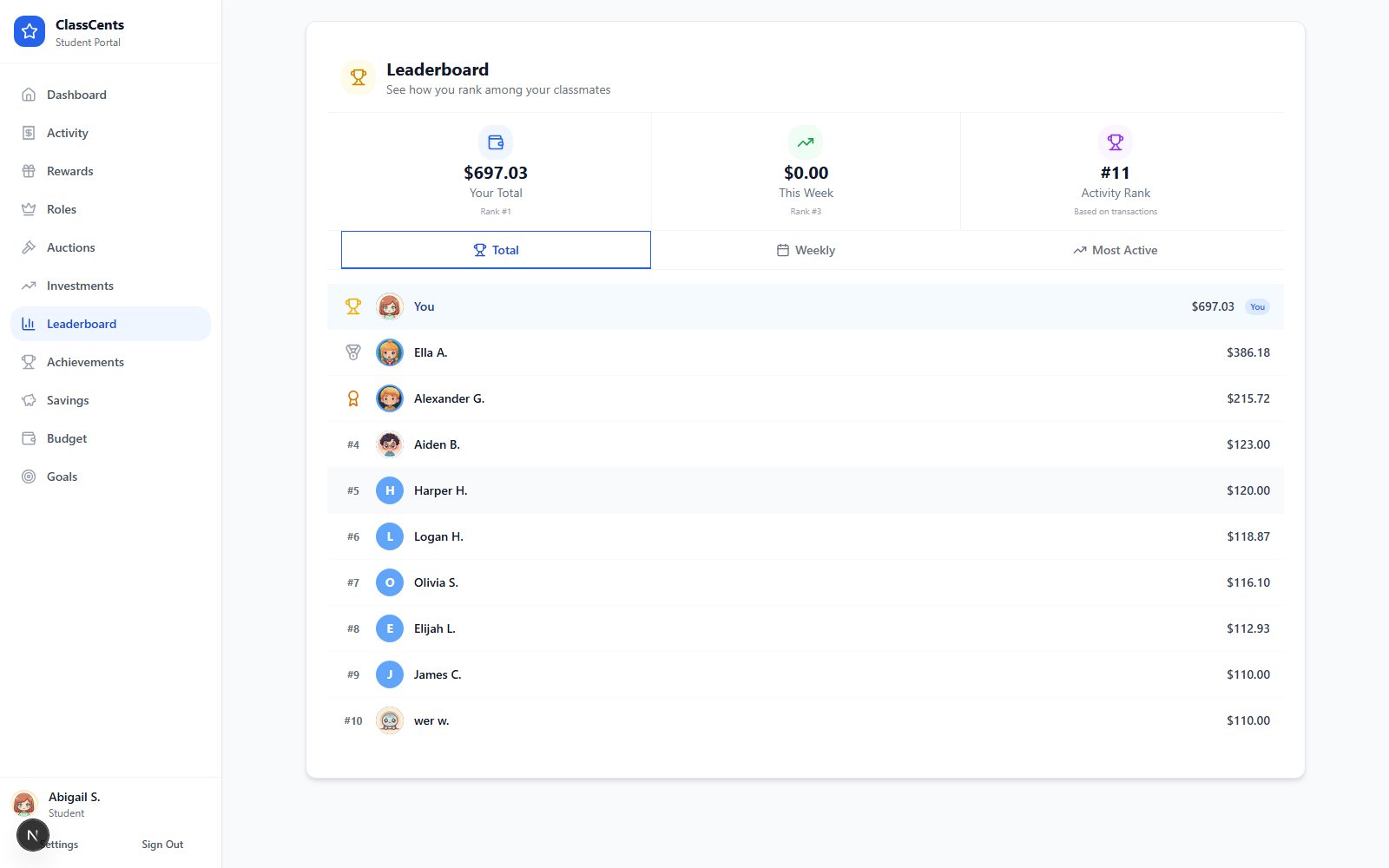
At-a-Glance Stats
The top of the page shows three stats for the student viewing it:| Stat | What it means |
|---|---|
| Your Total | Lifetime points/currency earned, plus rank |
| This Week | Points earned in the last 7 days, plus weekly rank |
| Activity Rank | Rank by transaction count |
Tabs
Below the stats, three tabs reorder the leaderboard:- Total — All-time earnings (default view)
- Weekly — Earnings from the last 7 days
- Active — Most active students by transaction count
Privacy & Tone
Want to see the full multi-classroom leaderboard? That’s the teacher leaderboard at
/dashboard/leaderboard — see Class Leaderboard.