

Auction System Overview
Create excitement with competitive bidding! Auctions allow students to compete for special rewards using their saved currency, teaching them about budgeting, strategy, and market economics.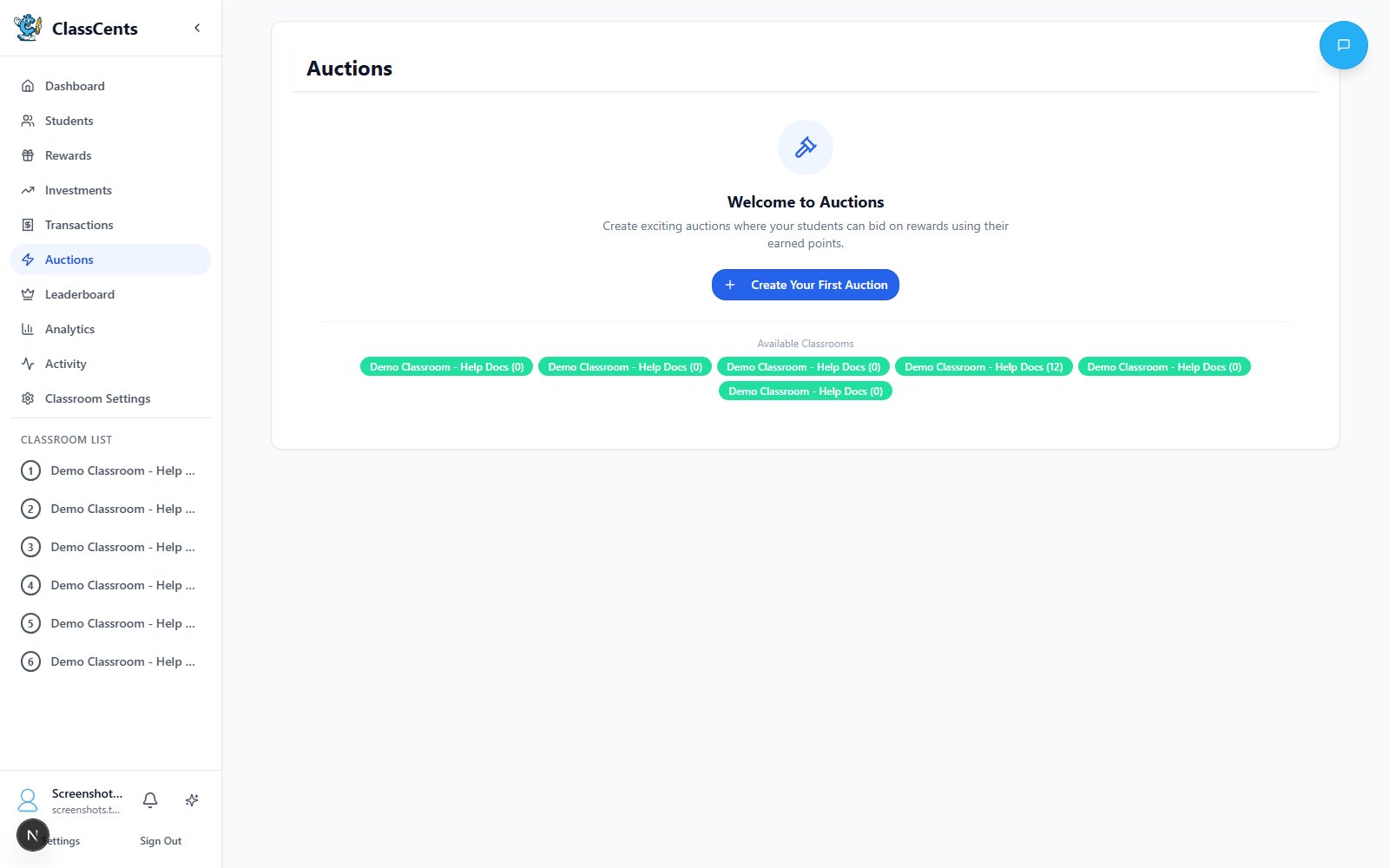
Auctions are perfect for limited-quantity items or high-value rewards that would be unfair to sell at fixed prices.
Creating an Auction
From your teacher dashboard, click Auctions in the sidebar, then click Create Auction. The auction builder is a 4-step wizard:Step 1 — Basics
- Title (required)
- Description (optional)
- Minimum Bid — the lowest amount any item can open at
- Bid Increment — how much higher each new bid must be than the current high bid
Step 2 — Classrooms
Select one or more of your classrooms to participate. Students from every selected classroom bid against each other on the same items.
Step 3 — Schedule
Set the Start Time and End Time. Toggle All Day to use full-day boundaries instead of specific clock times.
Step 4 — Items
Add one or more items to the auction. For each item:
- Title (required)
- Description
- Image URL (optional)
- Estimated Value — shown to students as a reference price
- Starting Bid — the opening bid for this specific item (must be ≥ the auction’s Minimum Bid)
Auction Timing
- Quick Auctions (1-2 hours)
- All-Day Auctions
- Multi-Day Auctions
Best for: Daily excitement eventsExample: “Lunch selection auction - 30 minutes during morning work”
- High energy and engagement
- Students must decide quickly
- Good for low-stakes items
Bidding Process
How Students Bid
Student Views Active Auctions
Students open the Auctions tab in their dashboard and see every auction their classroom is participating in.
Check Current High Bid
Each item shows the current high bid and the minimum next bid (current bid + bid increment).
Place a Bid
The student enters an amount that is at least the minimum next bid. The amount is reserved against their balance — they can’t spend it elsewhere while it’s holding.
Outbid
If another student outbids them, their reserved amount is released back to their balance and they can choose to bid again.
Bid Rules
Bids must be at least Current Bid + Bid Increment — no tie bids allowed
Students must have enough available balance — reserved bids count against their available currency
Bidder identity is hidden from other students — reduces social pressure
Auction Item Ideas
High-Value Privileges
- Teacher’s chair for a week
- First in line for a month
- Homework pass (premium version)
- Technology device choice
- Special parking spot (older students)
Unique Experiences
- Pizza lunch with teacher
- Class party planning role
- Field trip buddy selection
- Show and tell extended time
- Special presentation to class
Limited Physical Items
- Premium toy or book
- Sports equipment
- Art supplies kit
- Gift card (higher grades)
- Special snack/treat
Group Benefits
- Group free time
- Class game selection
- Extra recess for winners’ table
- Group project topic choice
Setting Reserve Prices
Start bids strategically to ensure fairness:- Low Reserve (50-100)
- Medium Reserve (200-500)
- High Reserve (1000+)
When to use: Weekly standard auctionsGives all students a chance while still requiring saving. Creates good participation.
Multiple Item Auctions
Run several auctions simultaneously to increase participation:Stagger Price Tiers
Run auctions at different reserve prices:
- Low ($50) - accessible to most
- Medium ($200) - for steady savers
- High ($500) - for top savers
Vary Reward Types
Mix privileges, physical items, and experiences so different students are interested in different auctions
Auction Management
During the Auction
From the Auctions dashboard you can:- Watch each item’s current bid update in real time
- See who’s bidding and how many bids each item has received
- Cancel an auction at any time — this refunds every reserved bid back to the bidders
- Place a teacher bid on behalf of a student if needed
After the Auction
Finalize the Auction
When the end time passes, click Finalize to lock in winners. The system deducts the winning bid from each winner and logs a transaction.
Deliver the Reward
If the item is linked to a Global Reward, it shows up as a redemption to fulfill. Otherwise, hand off the item or privilege manually.
Best Practices
Weekly Auction Routine
Weekly Auction Routine
Establish consistent schedule:
- “Freedom Friday” auctions every week
- Same time, expected by students
- Builds anticipation and planning behavior
- Students save all week for specific items
Teach Bidding Strategy
Teach Bidding Strategy
Help students understand smart bidding:
- Don’t blow entire balance on one item
- Save some currency for backup
- Bid strategically at the end
- Know when to walk away
Mix with Fixed-Price Shop
Mix with Fixed-Price Shop
Don’t make everything auction-only:
- Keep shop available for guaranteed purchases
- Auctions for special items only
- Balance risk/reward for students
Announce Winners Publicly
Announce Winners Publicly
Celebrate auction winners:
- Creates social recognition
- Motivates others to save for next time
- Builds classroom culture around economics
Common Issues
No One Bidding
No One Bidding
Causes:
- Reserve price too high
- Item not desirable
- Students don’t have enough currency
- Lower starting bid
- Survey students for wanted items
- Increase earning opportunities before auction
Same Student Always Wins
Same Student Always Wins
Causes:
- One student has much more currency
- Other students not saving
- Run multiple simultaneous auctions
- Create “first-time winner priority” auctions occasionally
- Teach all students saving strategies
Students Upset About Losing
Students Upset About Losing
Solution:
- Frame as learning opportunity
- Encourage saving for next auction
- Ensure shop has consolation prizes
- Remind that everyone can win eventually
Related Topics
Rewards System
Set up items available for auction
Currency System
Understand earning and spending mechanics