

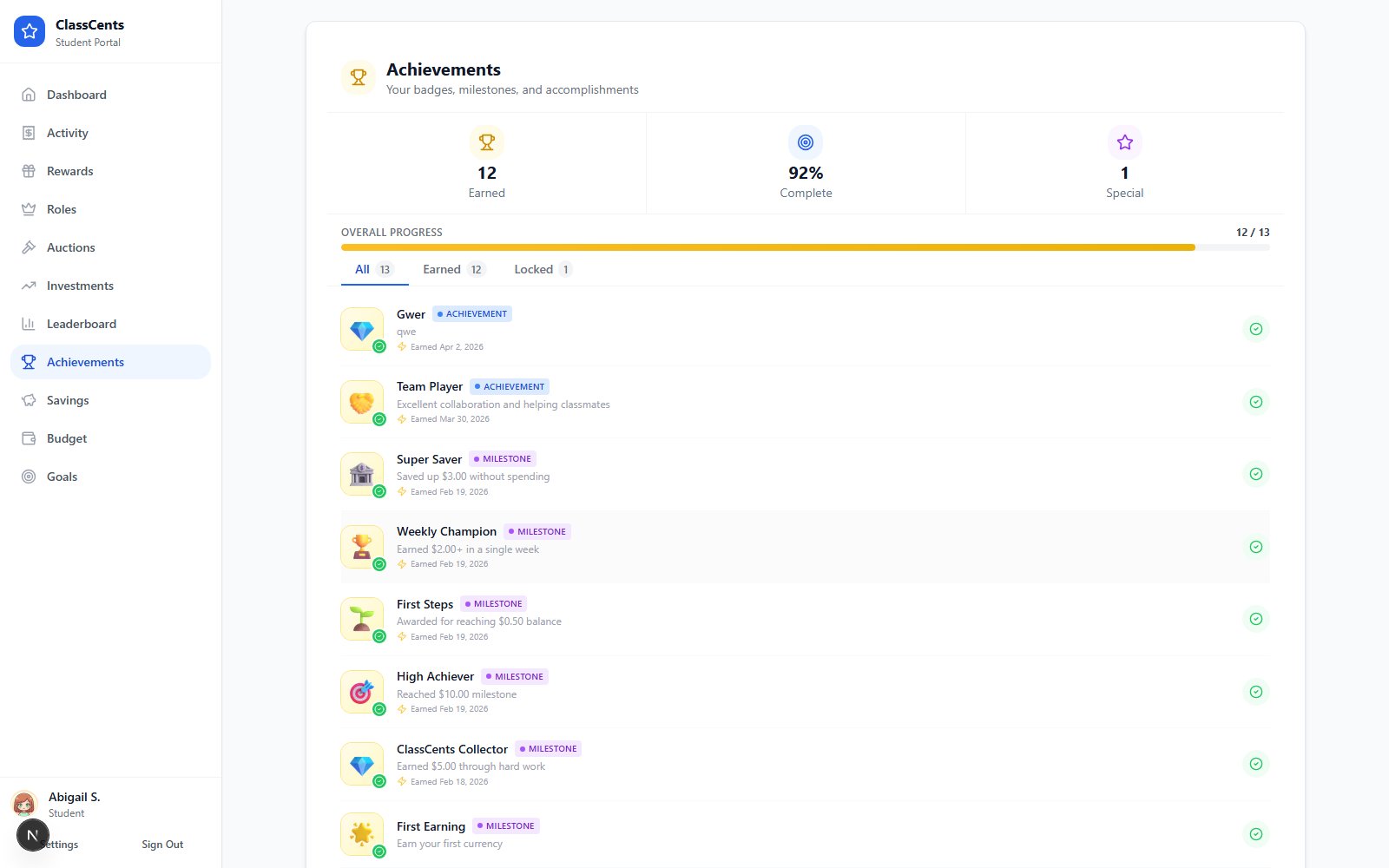
What Students See
- Earned badges appear in full color with the date earned, plus any bonus points awarded.
- Locked badges appear grayscale with a small lock icon so students know what they’re working toward.
- Filter pills at the top let students switch between All, Earned, and Locked.
Badges and the criteria behind them are configured by the teacher in Settings → Classroom Settings → Badges. See the Badges guide for the full list of criteria types.
When Badges Appear
- Automatic badges are checked hourly. After a student crosses the threshold, the badge typically lands on the Achievements page within an hour.
- Manual badges appear instantly when the teacher awards them.
Companion Pages
Leaderboard
See class rankings by balance, weekly earnings, and activity.
Profile
Pick an avatar and review account info.