

What’s Tracked
| Action | When it appears |
|---|---|
| Points Awarded | Single-student award |
| Points Deducted | Single-student deduction |
| Bulk Award | Multi-student award (shows count + reason) |
| Bulk Deduction | Multi-student deduction |
| Badge Created | New badge definition added |
| Badge Awarded | Badge granted to a student (auto or manual) |
| Balance Reset | Student balance reset to 0 |
| Reward Created | New reward added to the catalog |
| Reward Redeemed | Student redeemed (teacher-confirmed) |
| Reward Purchased | Student bought from their dashboard |
| Reward Deleted | Reward removed |
| Auction Created | New auction scheduled |
| Auction Finalized | Auction ended and winners assigned |
| Auction Cancelled | Auction cancelled (bids refunded) |
| Auction Bid | Student placed a bid |
Filtering
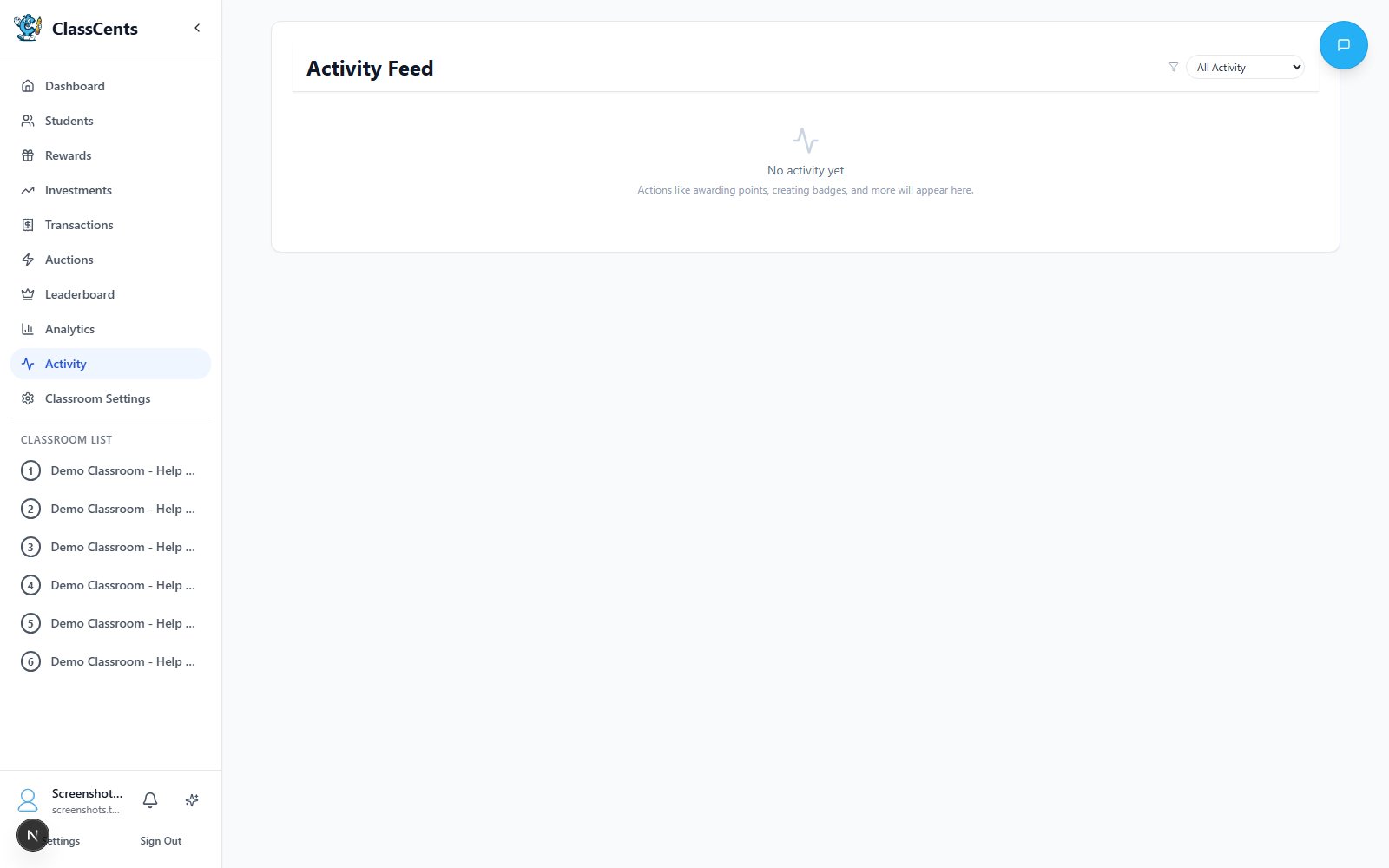
Use the Filter dropdown at the top right to show only one action type — for example, only Badge Awarded events when reviewing a week’s badge results.Loading More
The feed loads 30 entries at a time. Click the Load more button at the bottom to keep paging back through history.The Activity Feed is read-only. To revisit individual point movements with full transaction context (source, classroom filter, CSV export), use the Transactions page instead.