> ## Documentation Index
> Fetch the complete documentation index at: https://help.classcents.com/llms.txt
> Use this file to discover all available pages before exploring further.
# Student Profile
> What students can see and change on their profile page
The **Profile** page is each student's personal info screen.
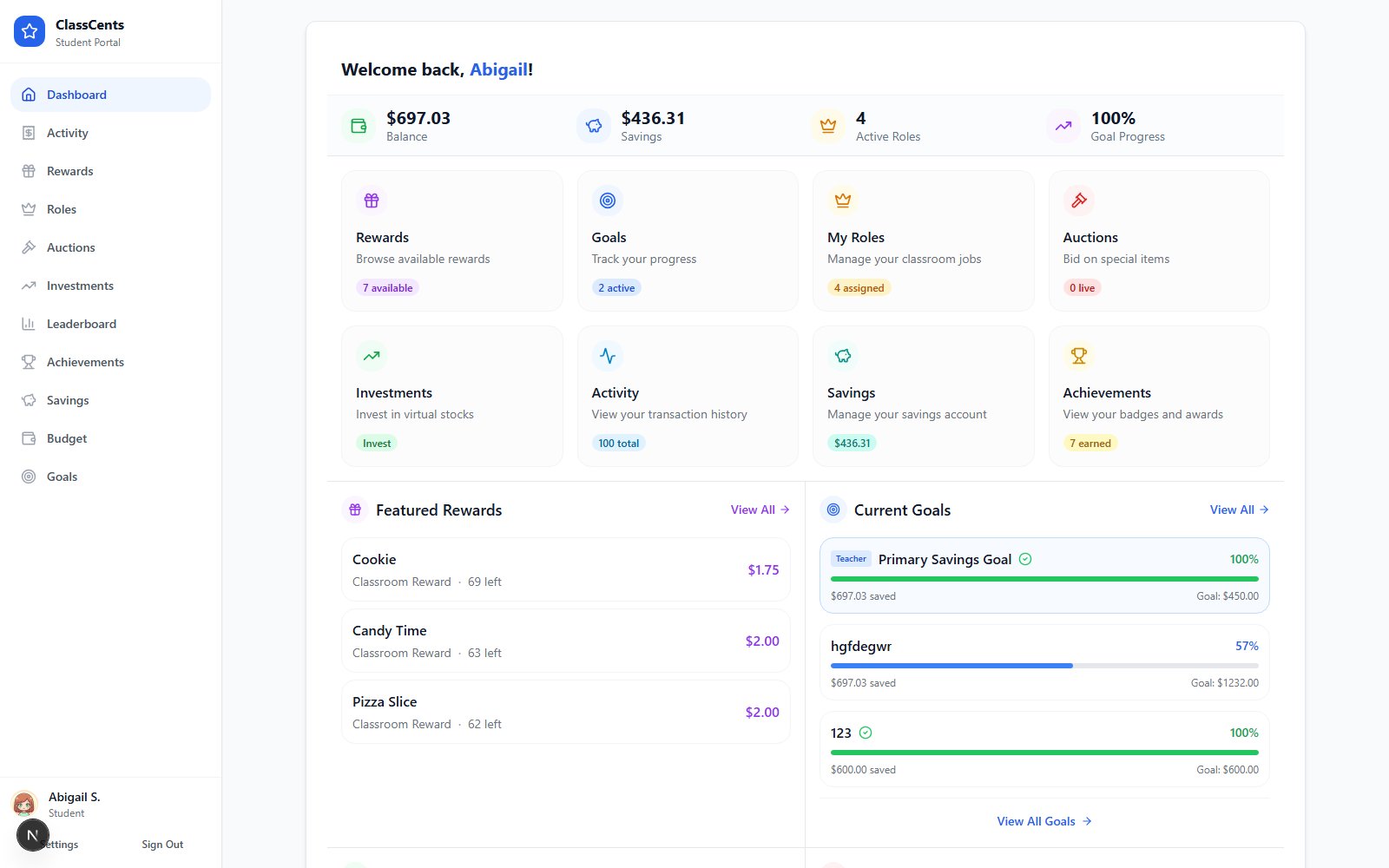 Open from the student dashboard nav: **Profile**. URL: `/student/profile/[nano_id]`.
## What Students Can Change
Click the avatar at the top of the profile and choose from the avatar library, or upload a custom image.
Click **Save** to apply. The new avatar shows up everywhere — leaderboard, achievements, header.
## What's Read-Only
The profile shows but **does not allow editing** of:
* First Name and Last Name
* Classroom name
* Account stats (balance, total earned, badges, etc.)
The page tells students directly: *"Need to update your info? Ask your teacher for help."* Name changes happen on the teacher side under **Students** → edit student.
## Privacy
The profile is reachable only via the student's own login link or PIN. Other students can't view another student's profile page.
Open from the student dashboard nav: **Profile**. URL: `/student/profile/[nano_id]`.
## What Students Can Change
Click the avatar at the top of the profile and choose from the avatar library, or upload a custom image.
Click **Save** to apply. The new avatar shows up everywhere — leaderboard, achievements, header.
## What's Read-Only
The profile shows but **does not allow editing** of:
* First Name and Last Name
* Classroom name
* Account stats (balance, total earned, badges, etc.)
The page tells students directly: *"Need to update your info? Ask your teacher for help."* Name changes happen on the teacher side under **Students** → edit student.
## Privacy
The profile is reachable only via the student's own login link or PIN. Other students can't view another student's profile page.